


NewWe're partnering with Fennel to bring tax-smart giving to more investors.
{{ menuInfoText }}
{{ menuInfoText }}
Wealth managers & RIAs

Embedded tax-smart philanthropy without opening more accounts.

Help your clients save on taxes and create measurable impact by donating appreciated securities straight from the portfolio you already manage. You pick the position together and preview the tax savings and impact outcomes before submitting. Every quarter, clients receive a personalized impact report worth talking about.

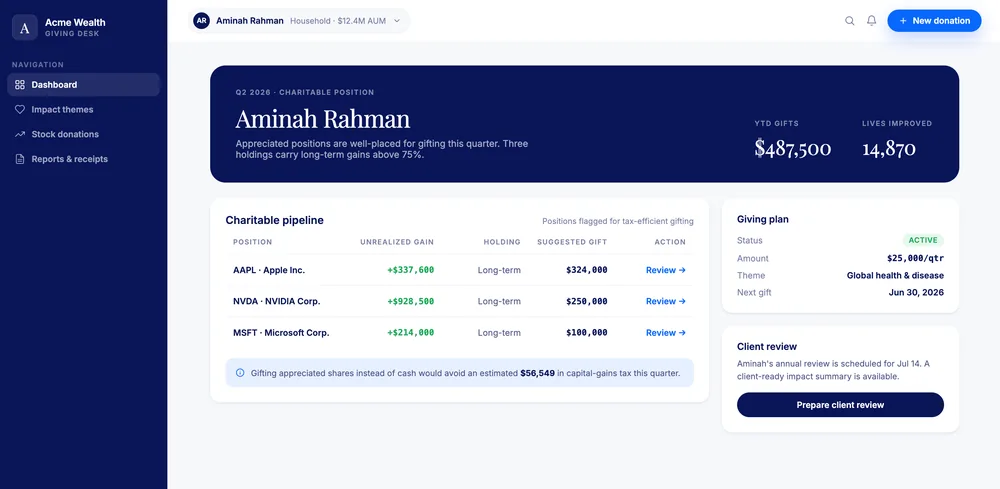
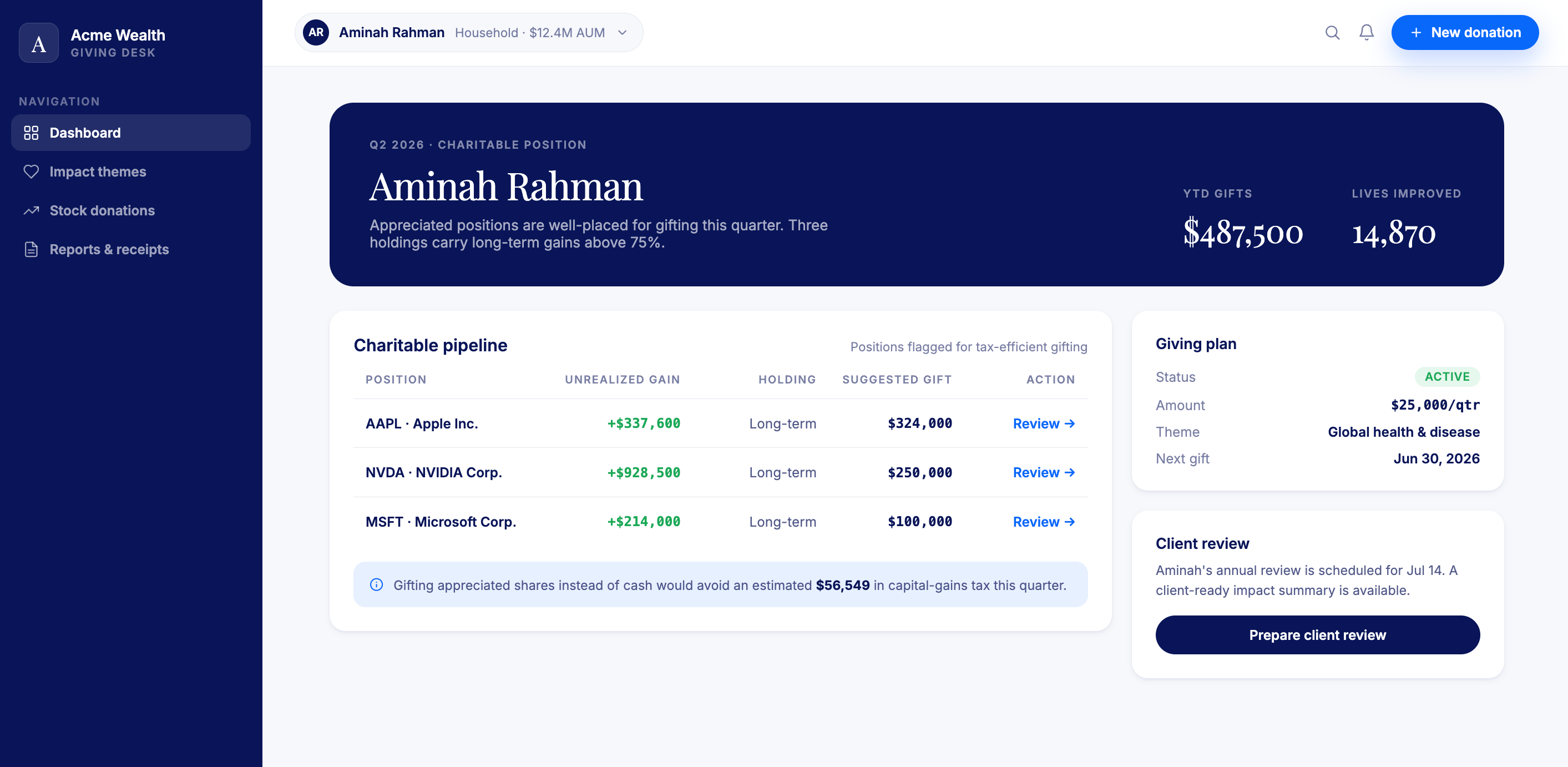
Giving Desk dashboard
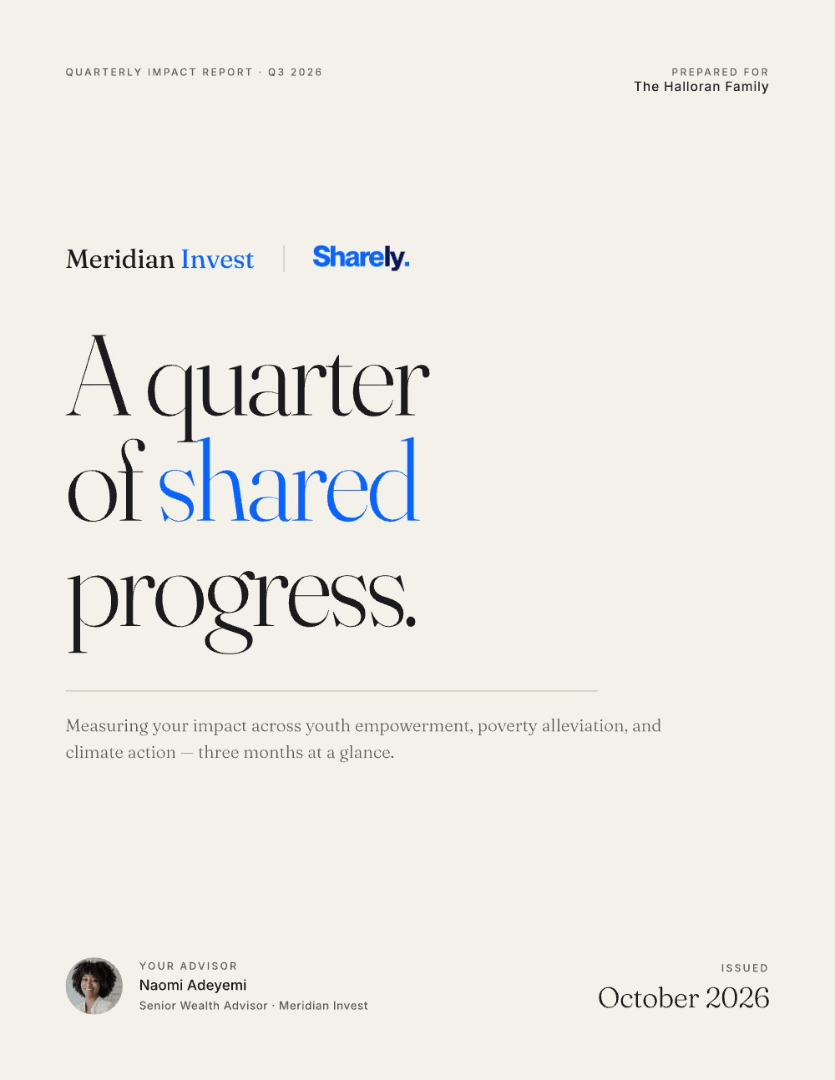
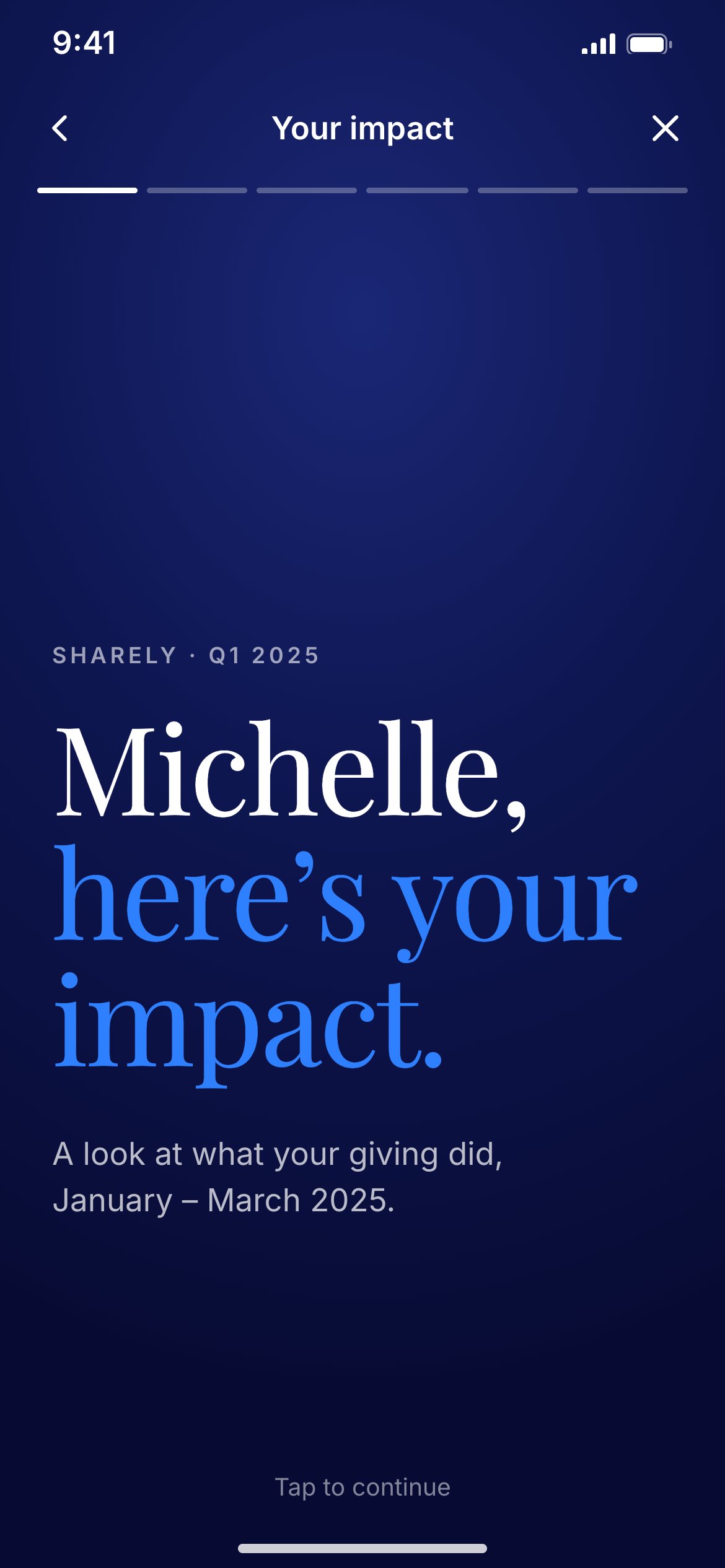
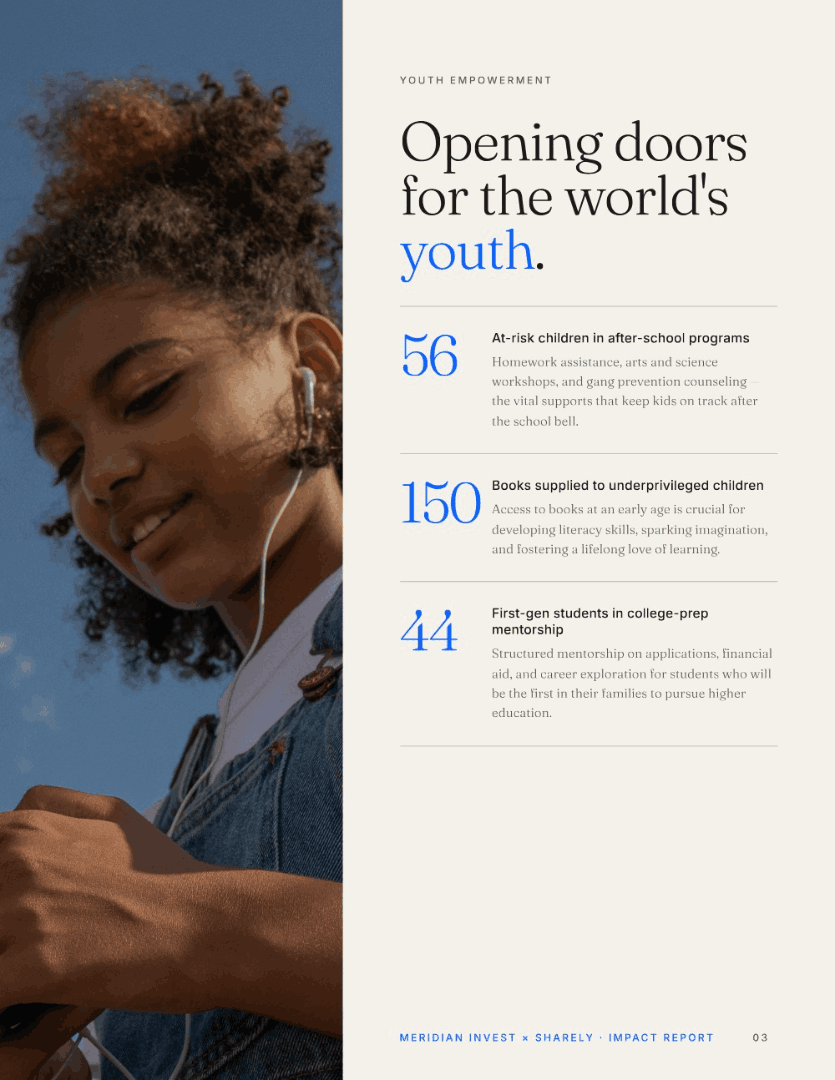
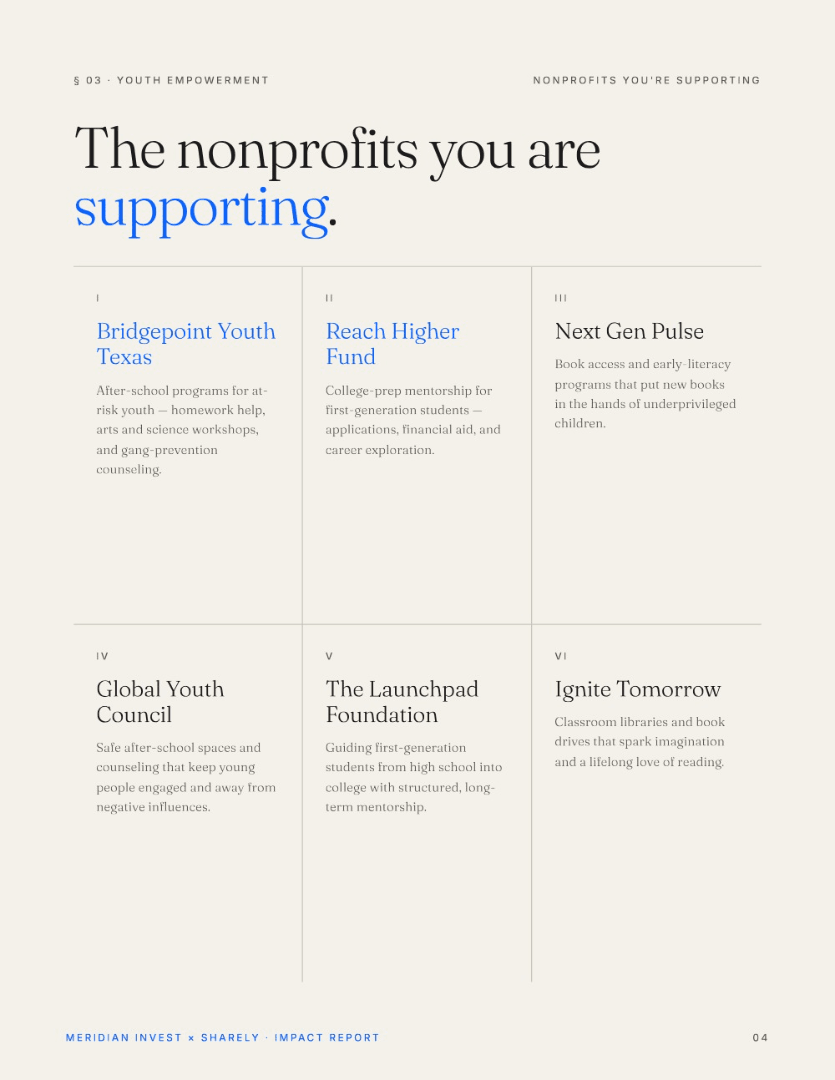
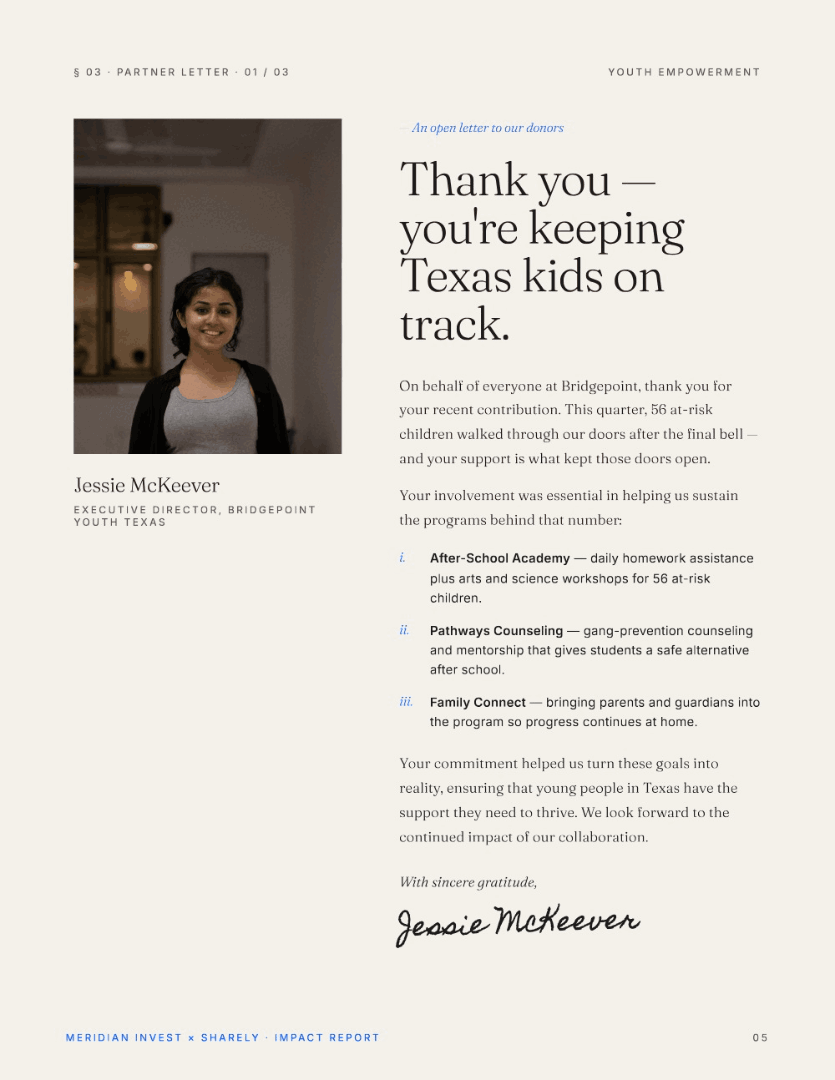
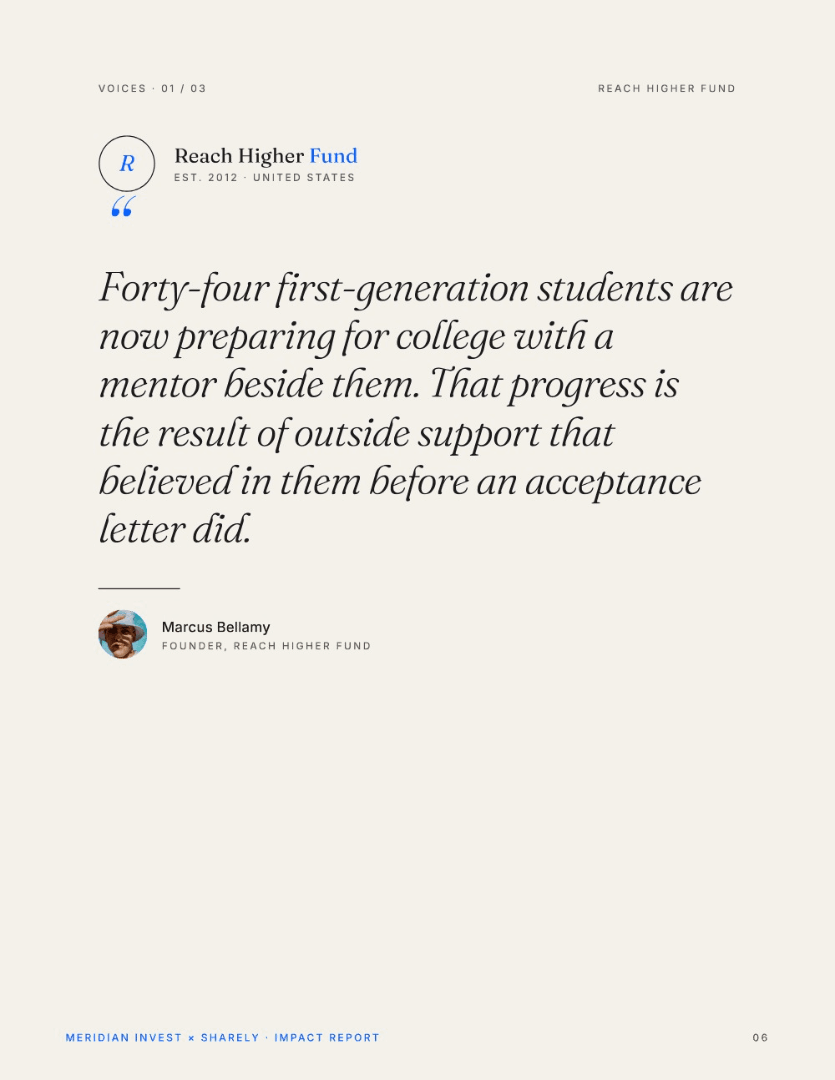
Sharely impact report – cover
Click to read a sample impact report

Giving cash costs your clients more than giving stock.

A gift of appreciated stock can avoid capital gains tax, and the nonprofit receives the full value. But stock is a hassle: transfer instructions, Form 8283, lot selection, weeks of follow-up. So most clients give cash. Sharely removes the hassle without adding work for your team.

87%

of clients want charitable planning advice. Only 6% say they get it.

Source: CEG Insights, via American Endowment Foundation

30%

more new money per investor at firms that offer charitable planning.

Source: Fidelity Charitable, 2021

3×

median organic growth at firms that offer charitable planning.

Source: Fidelity Charitable, 2021

The Giving Desk

Find tax-smart giving opportunities for your clients.

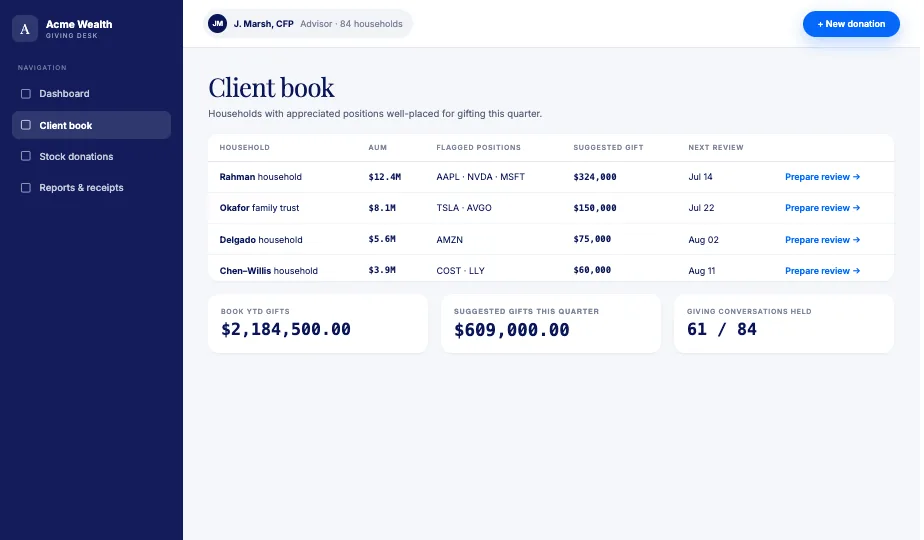
The dashboard shows your clients' highest appreciated positions, which are the most tax-efficient to donate. You select the position to donate together with your client, who sees what the gift would save before anything moves. The client signs the Letter of Authorization via DocuSign, and the transfer runs from there.

Giving Desk dashboard with appreciated positions
Highest appreciated positions, ranked
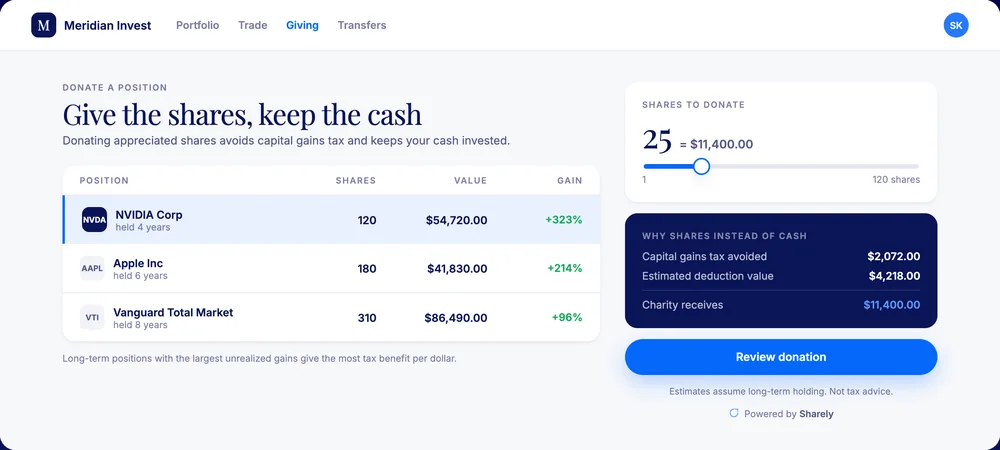
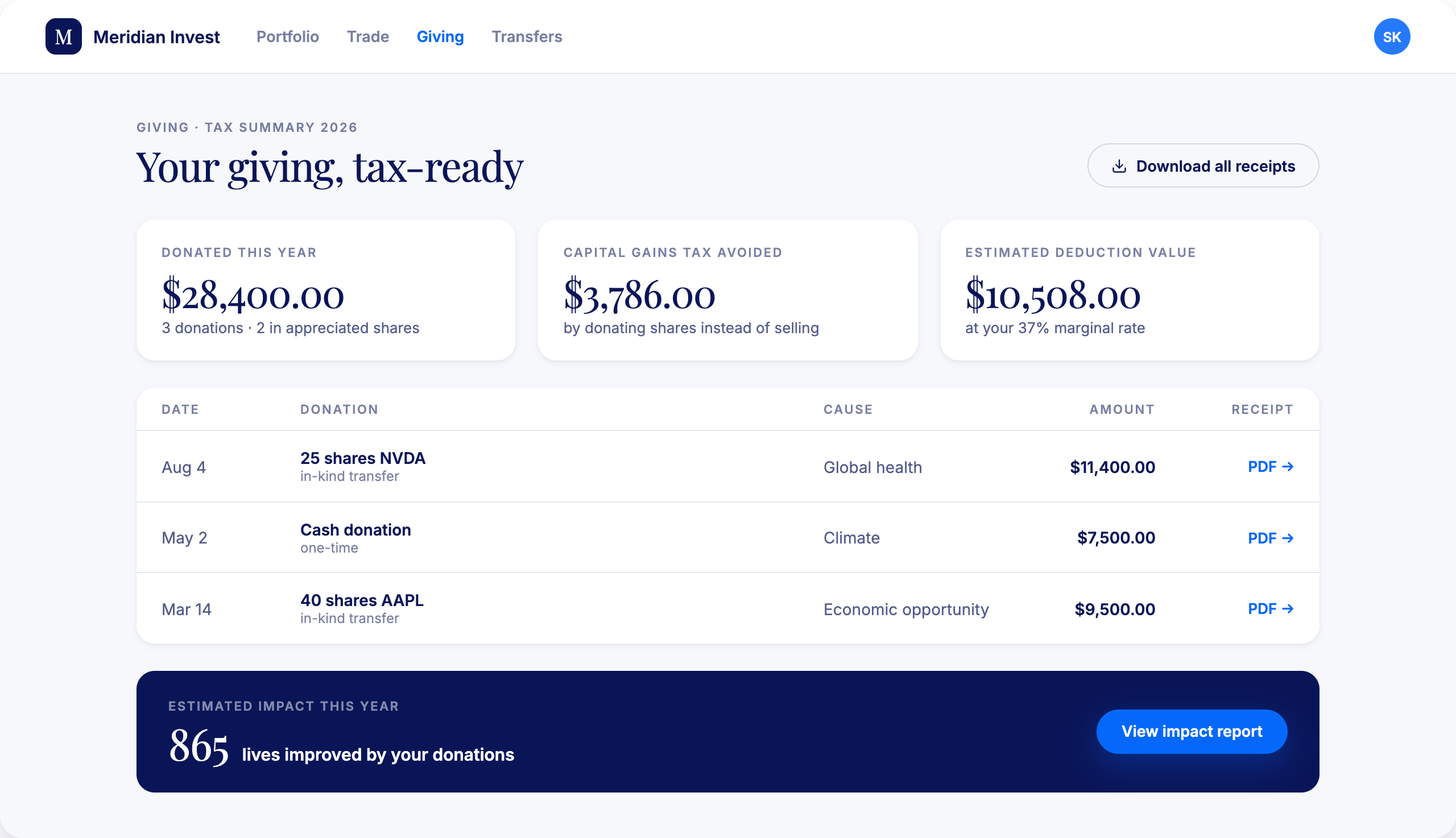
Tax and impact summary
What the client sees before approving

Tax-smart execution

Sharely picks the best lots and delivers the tax report the moment the gift settles.

Compliance, handled

Receipts, acknowledgment letters and Form 8283 support with every gift. Public securities only, so no appraisals.

Vetted impact

Nonprofits chosen with leading researchers and measured by cost per outcome.

Impact reporting

Personalized, measurable impact.

The impact reel, made to be shared.

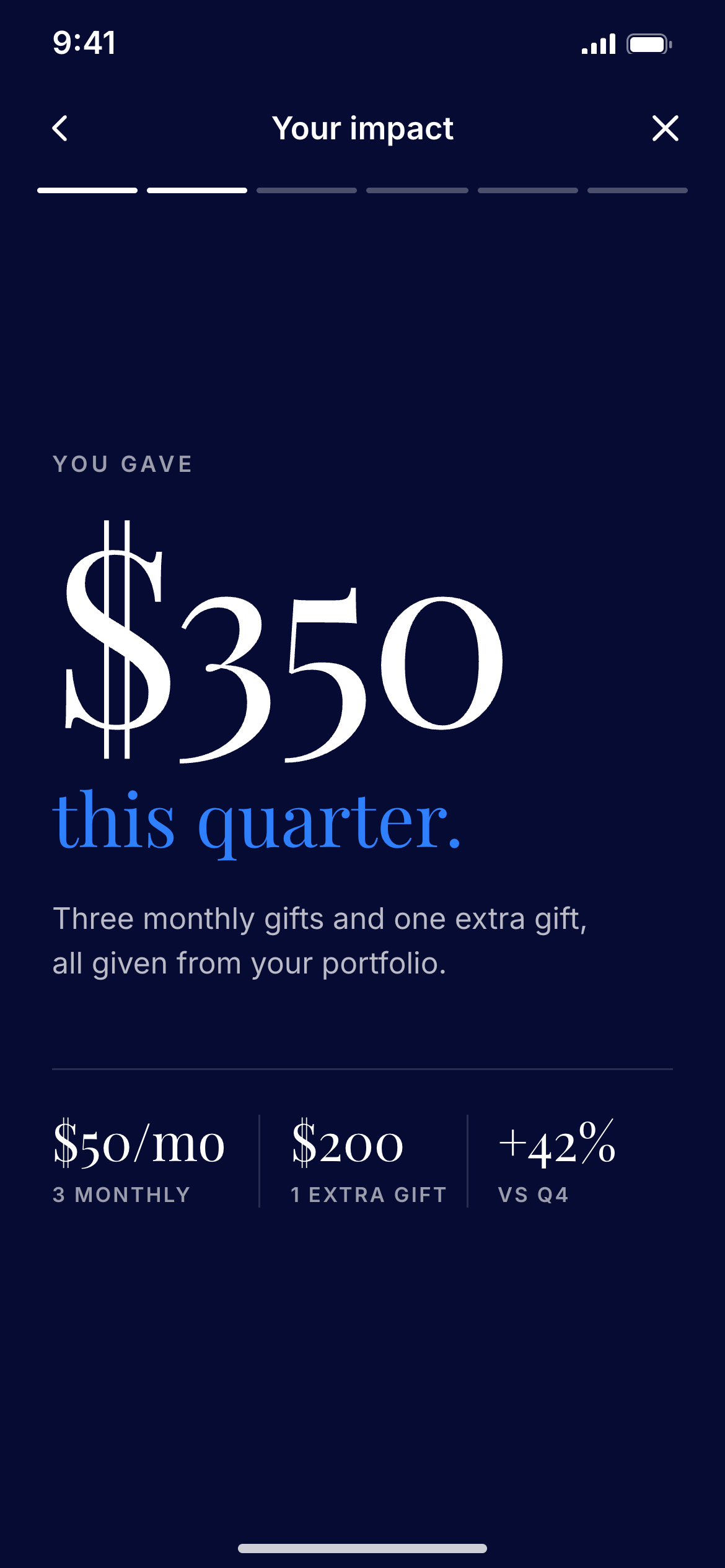
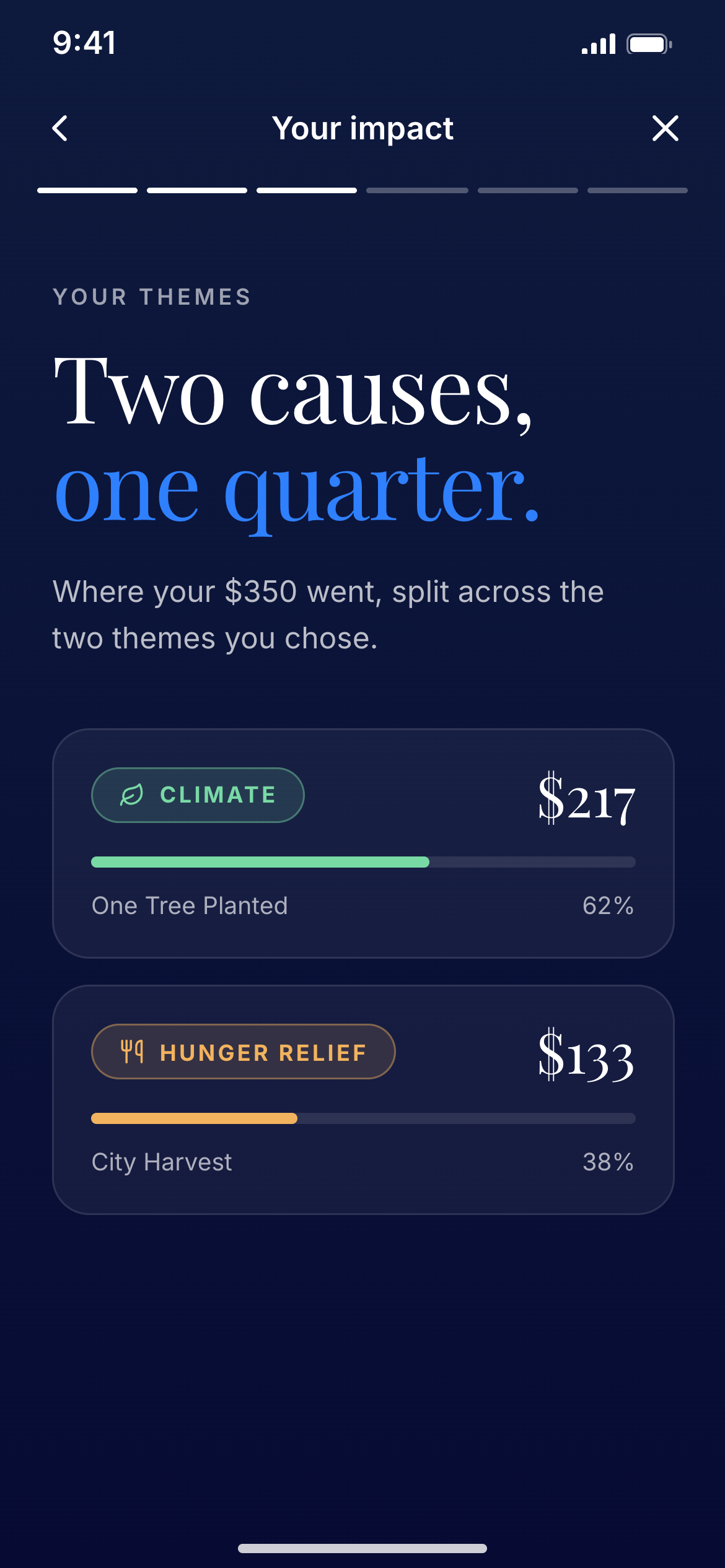
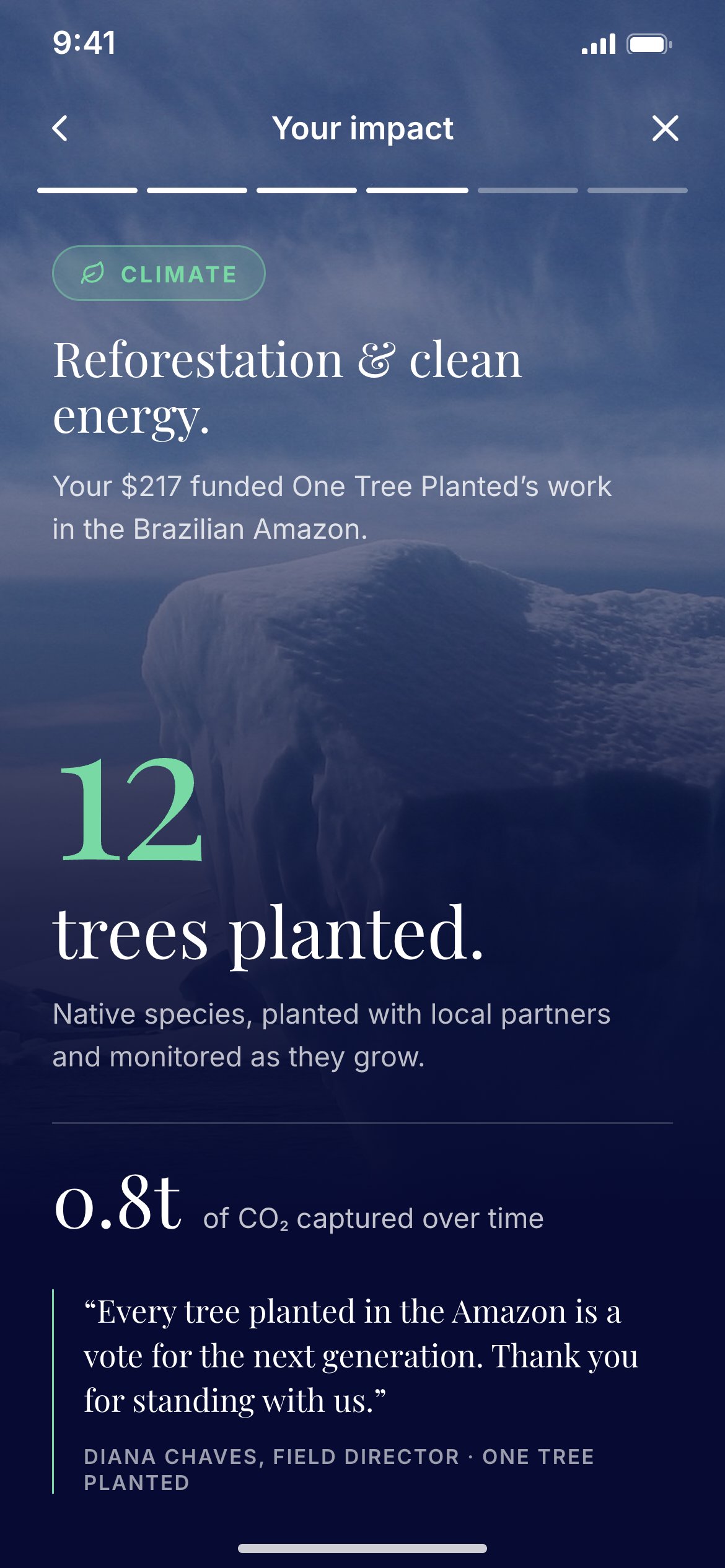
A short impact reel for each client, branded to your firm and built from their own giving. Clients share it on social, and your firm's name goes with it.

People share stories, not charts.

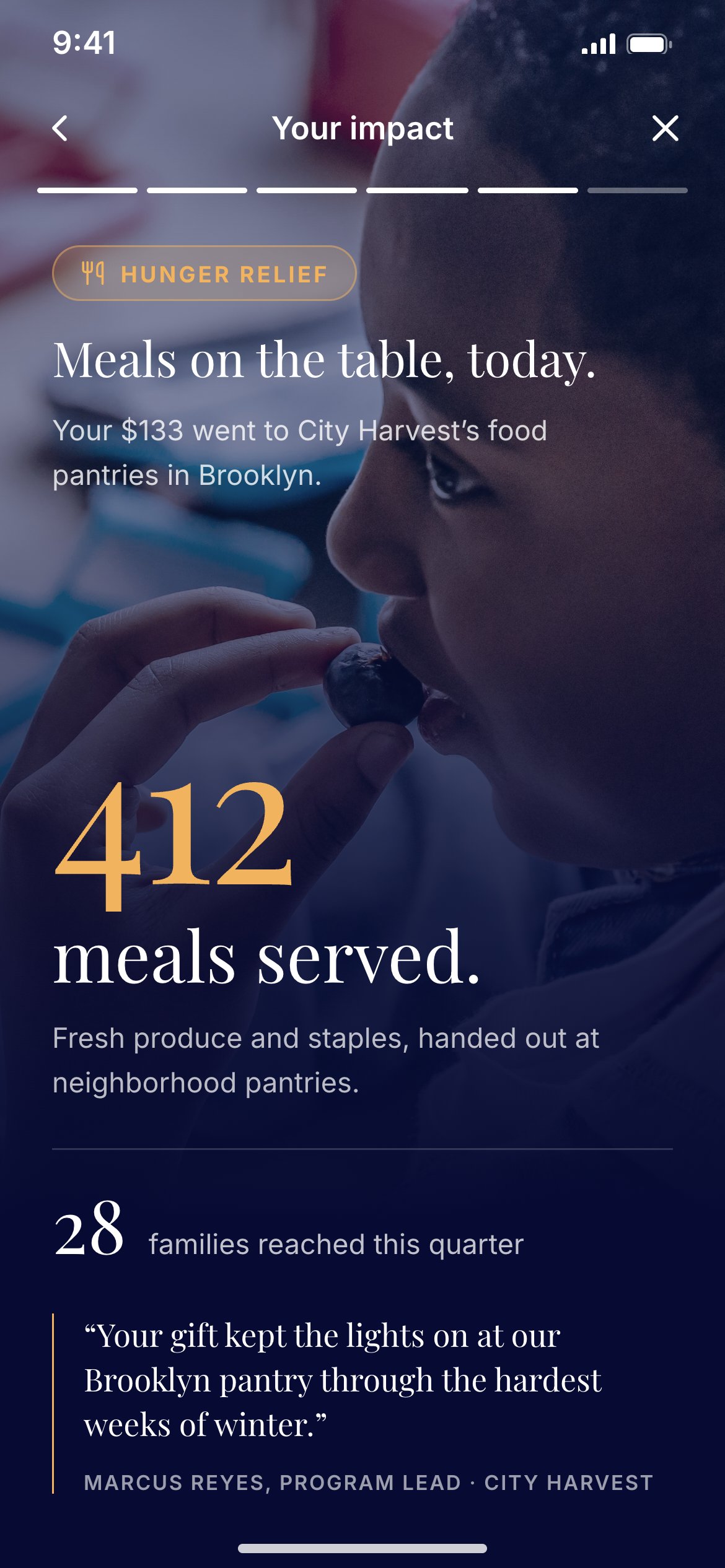
Michelle, here's your impact The total given this quarter Where the giving went Climate impact Hunger impact Share the story
Scroll through the reel

The custom quarterly report, delivered to the inbox.

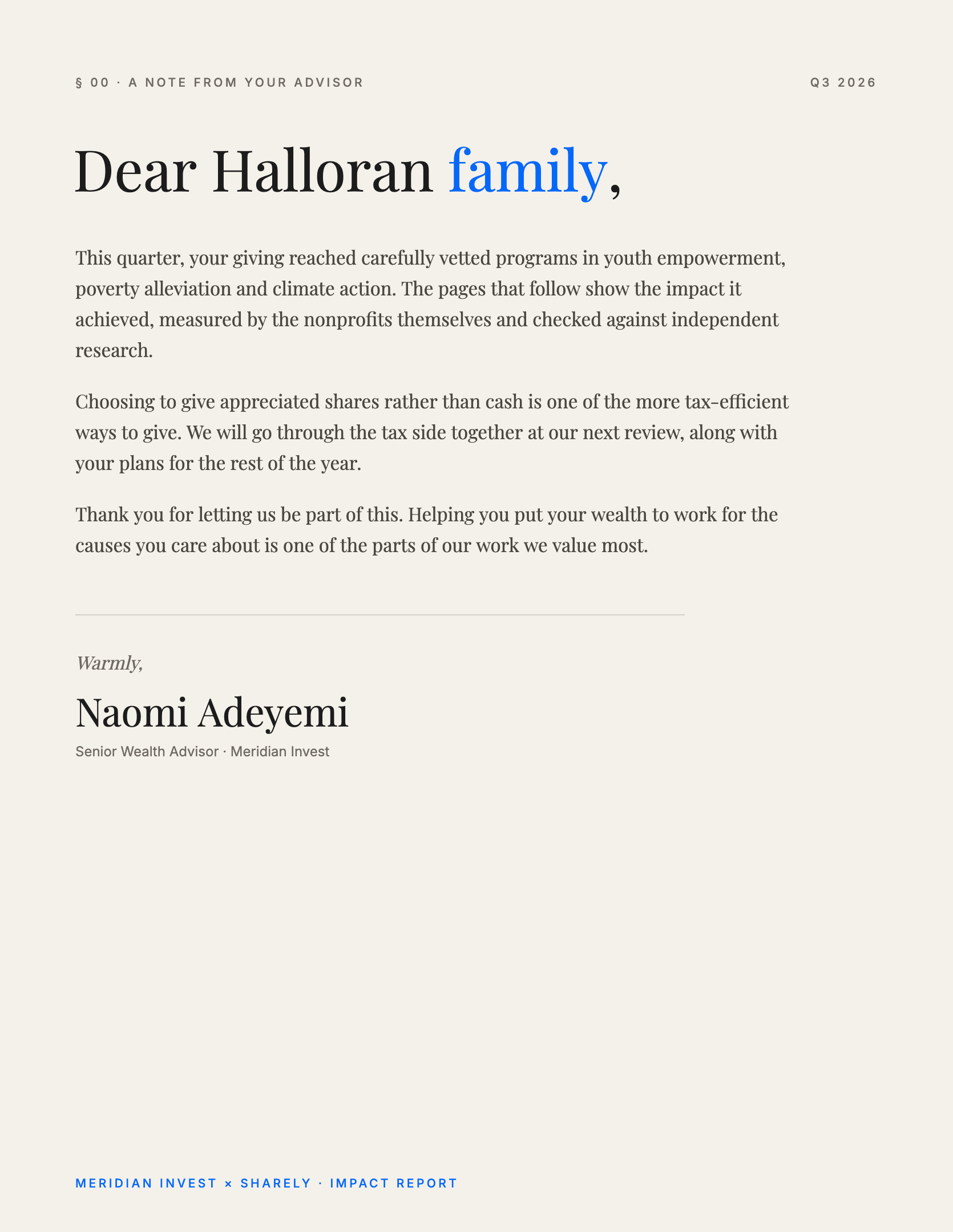
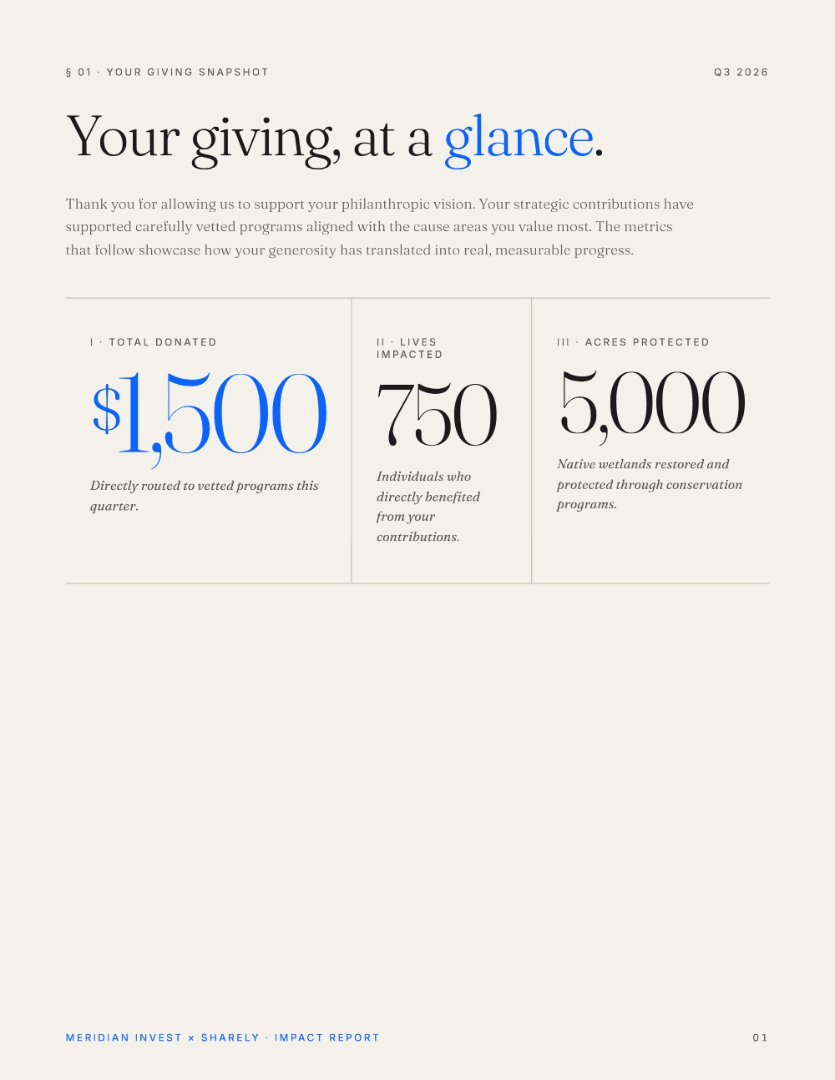
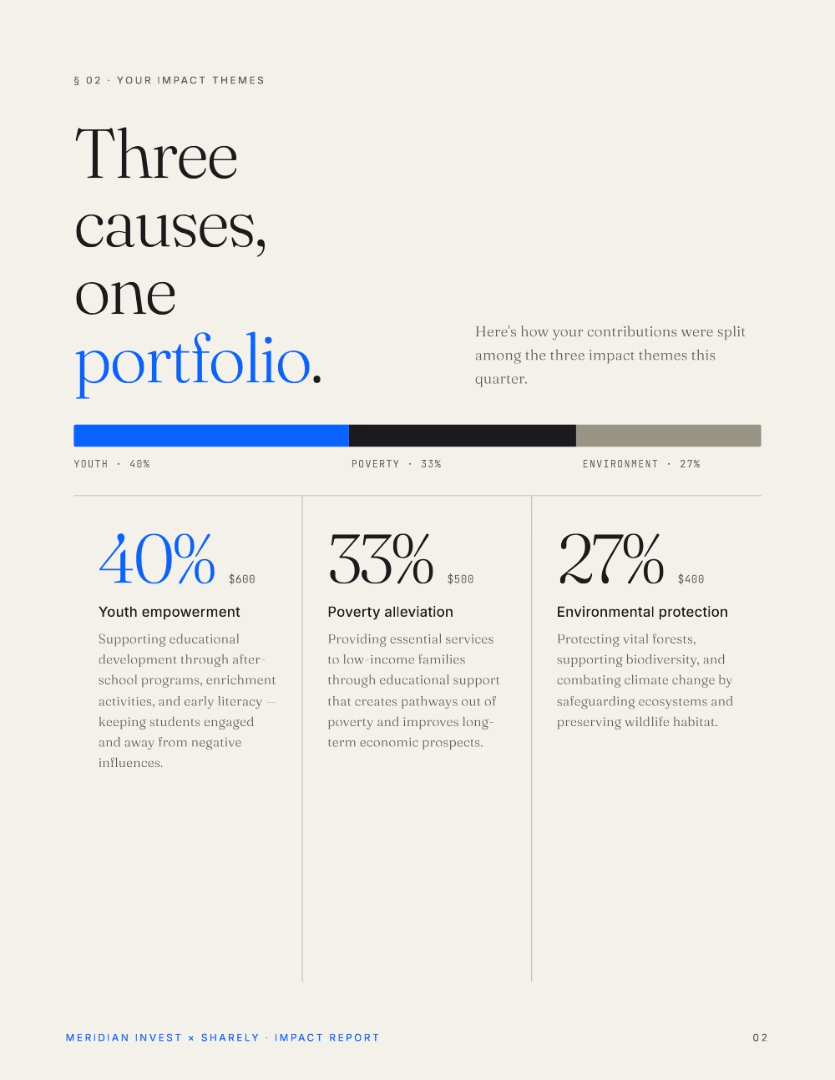
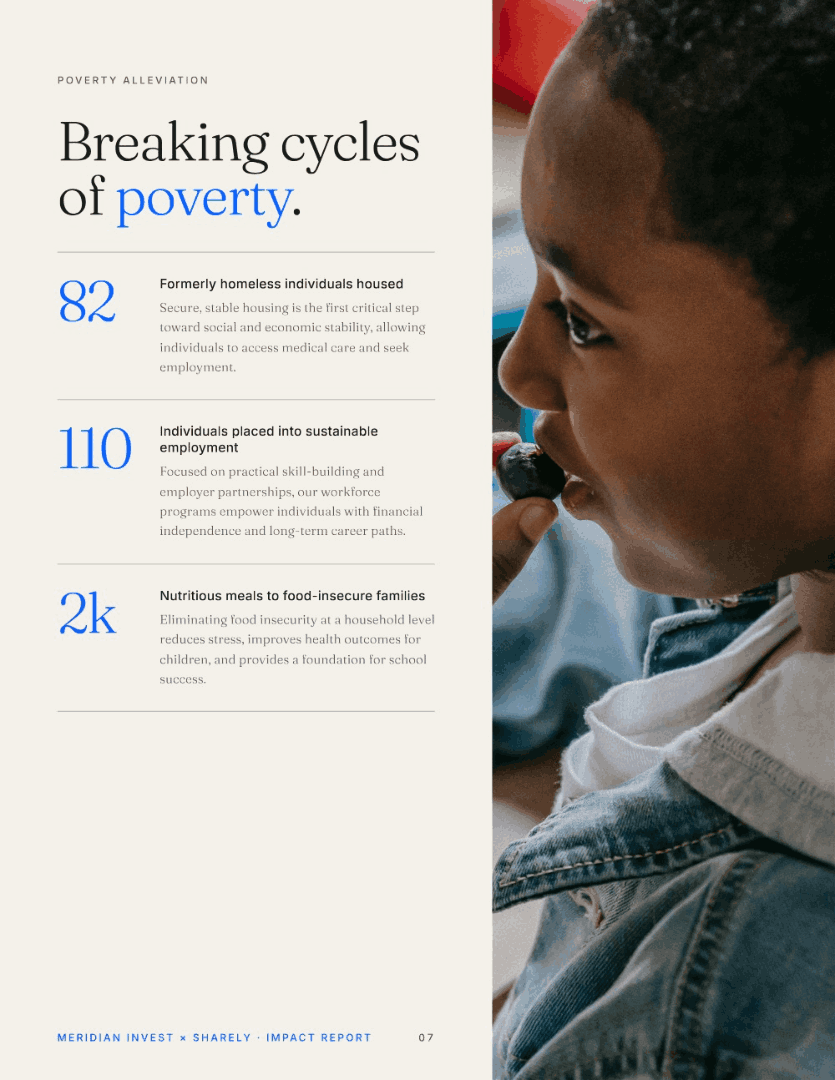
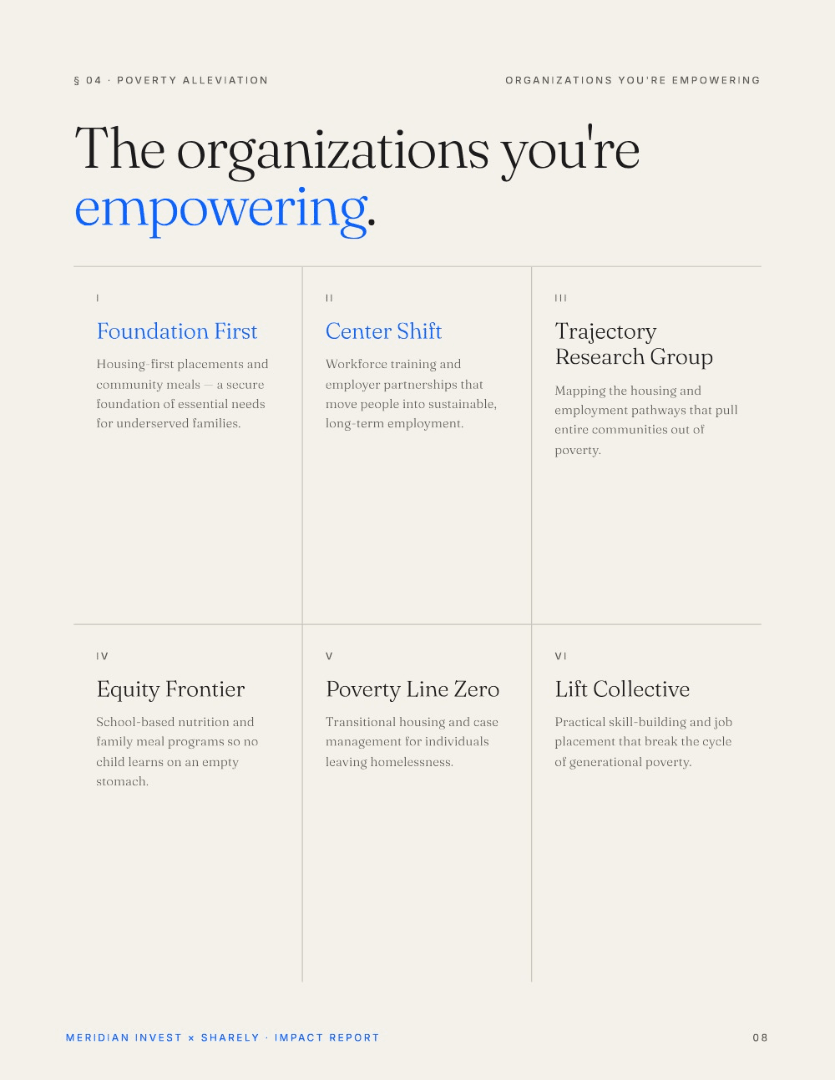
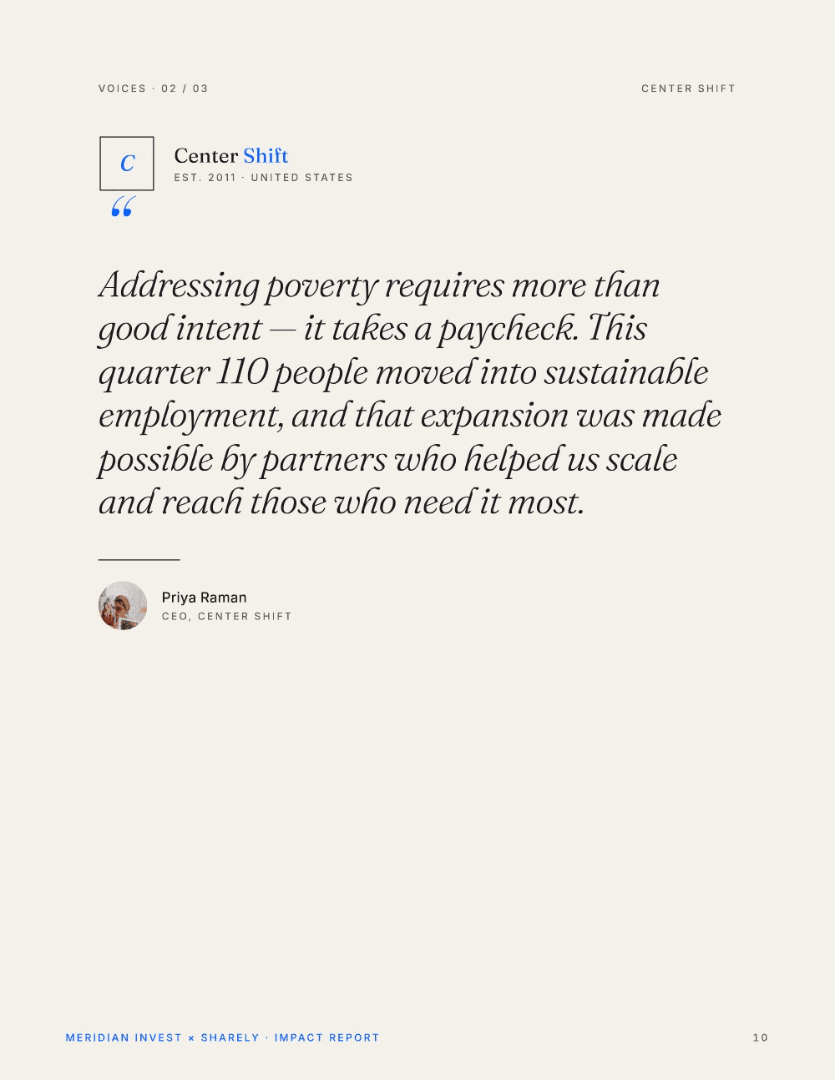
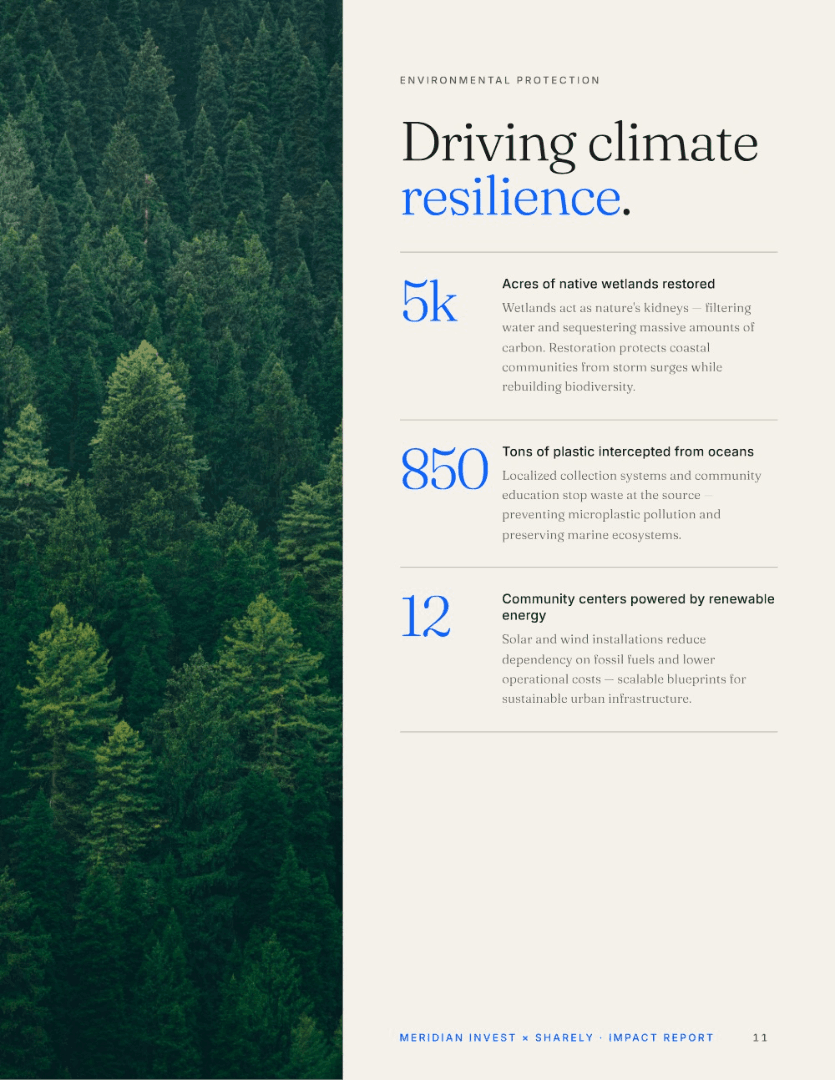
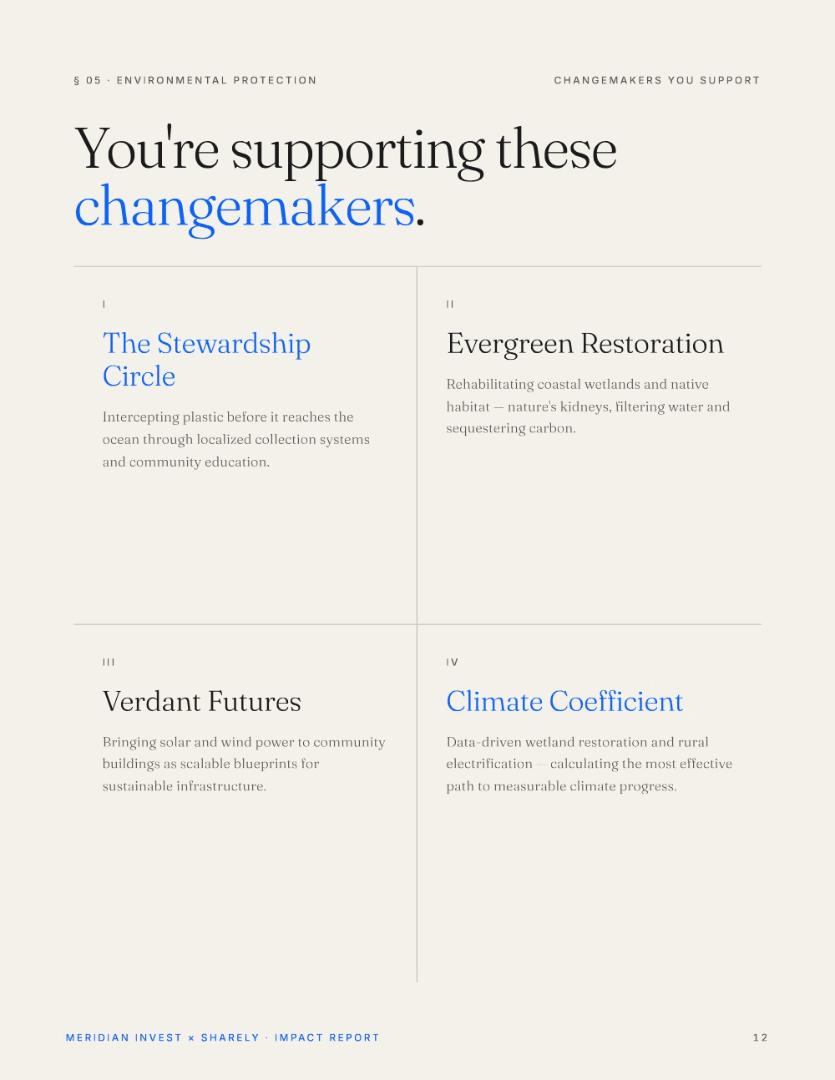
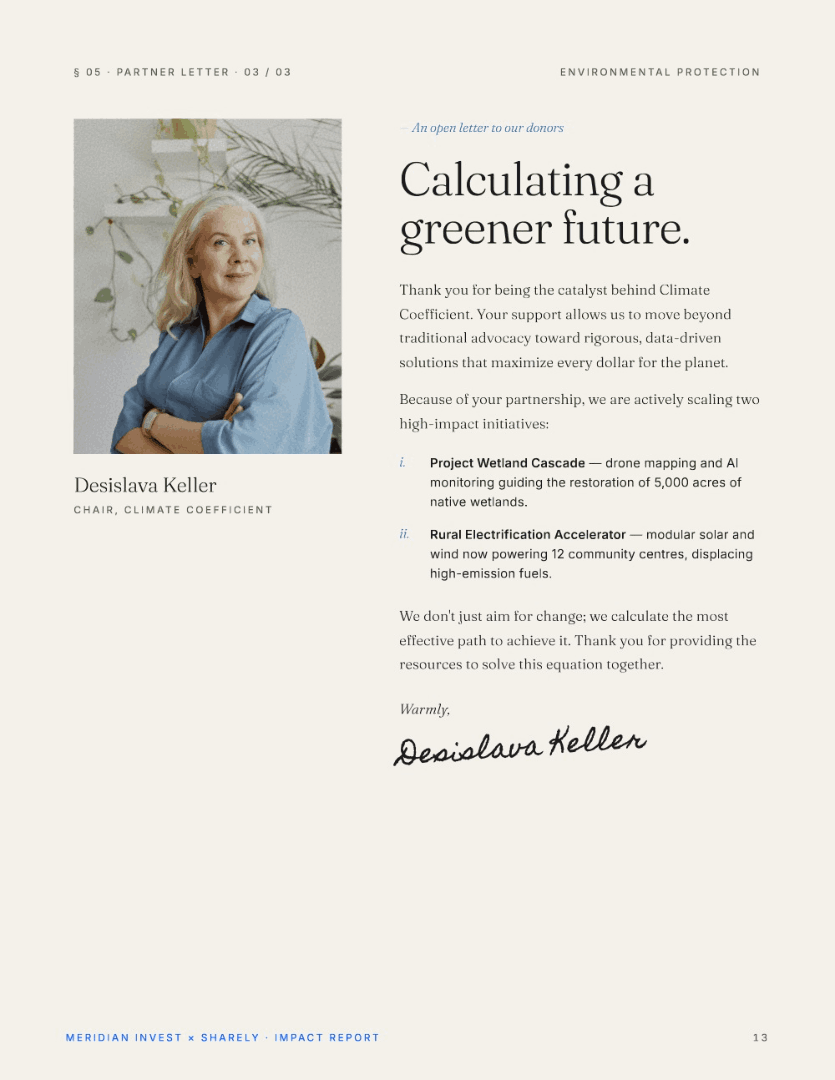
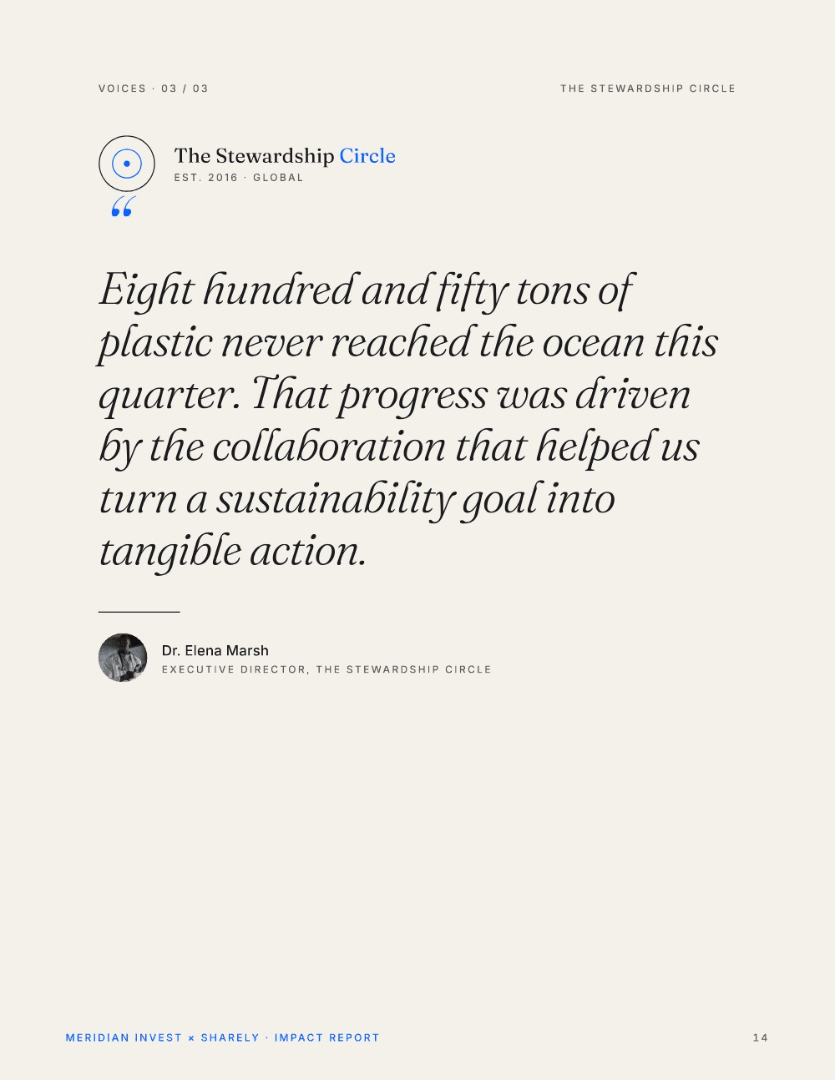
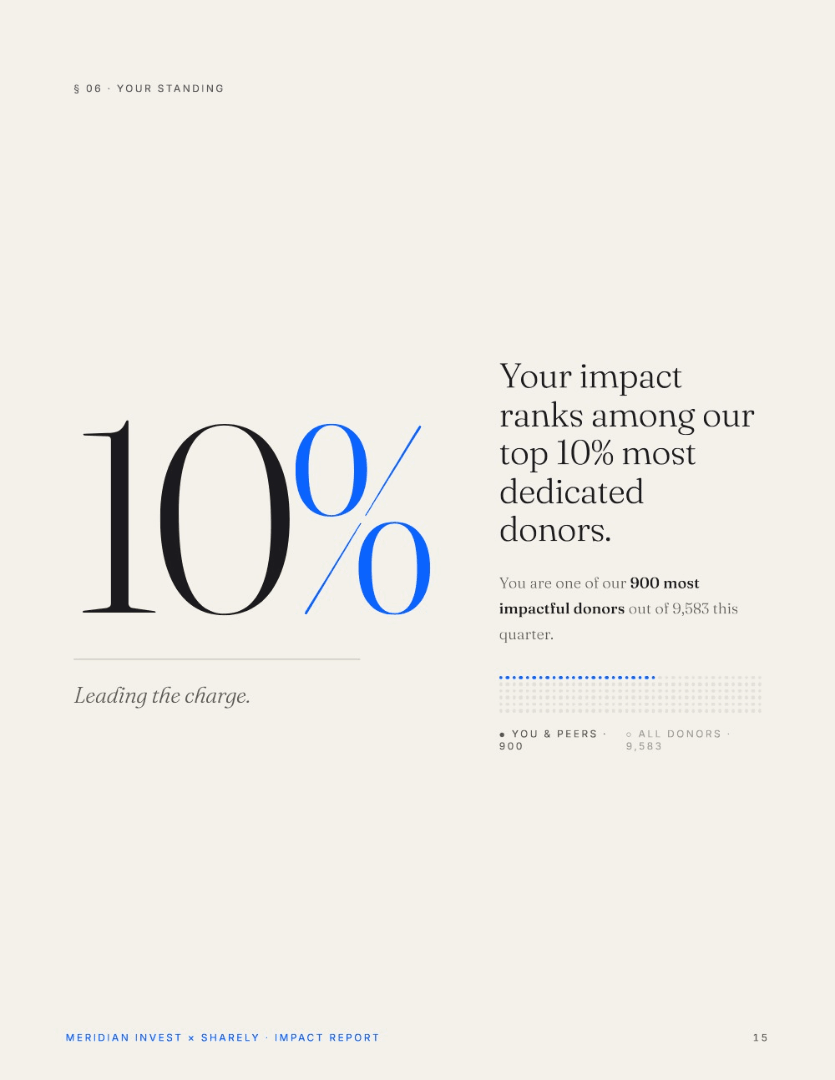
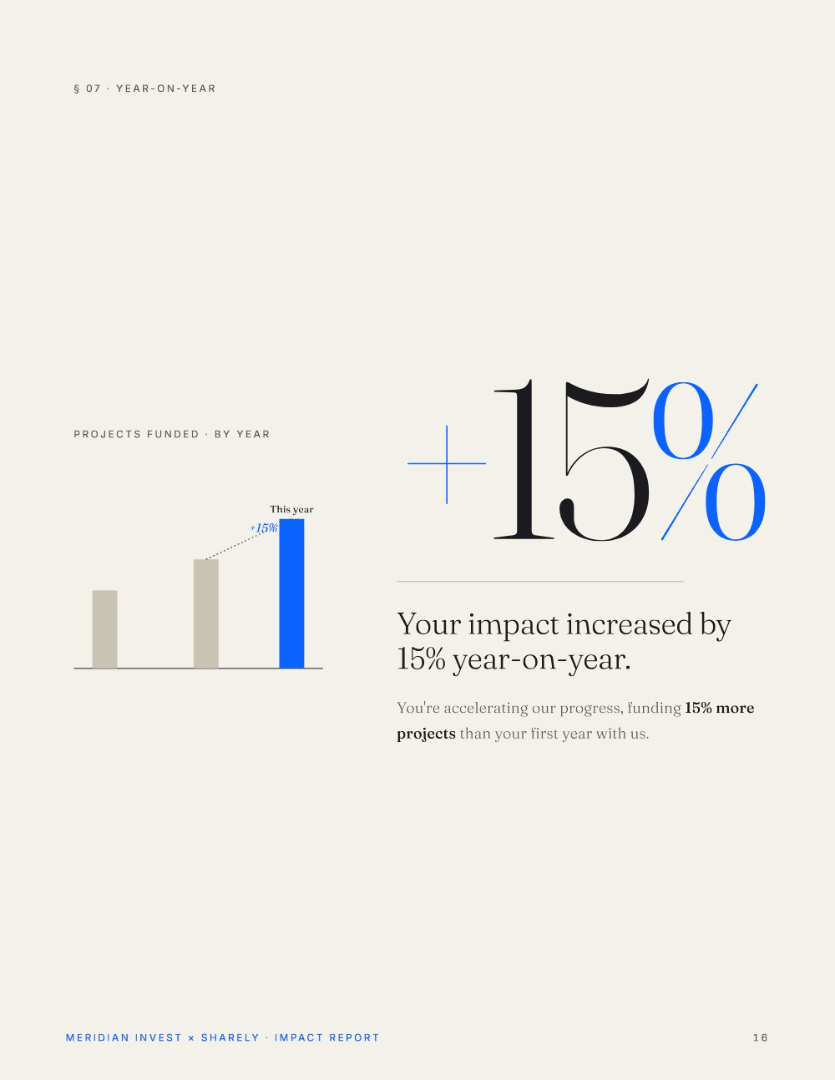
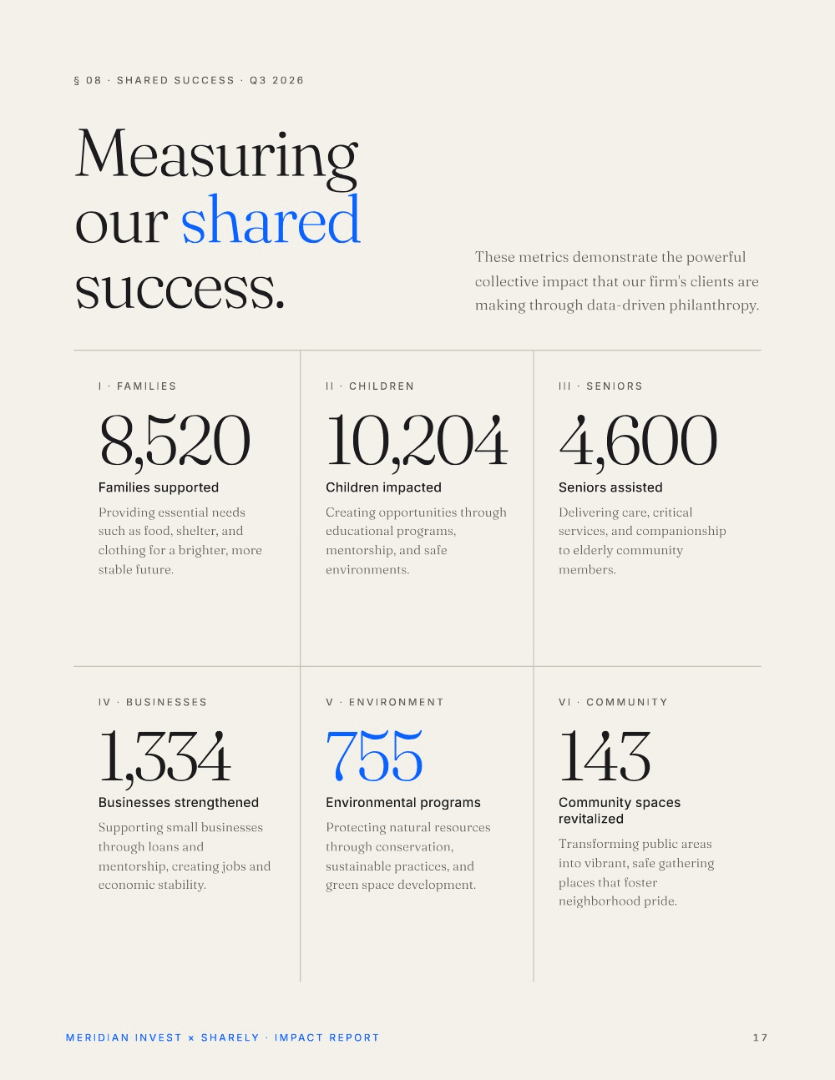
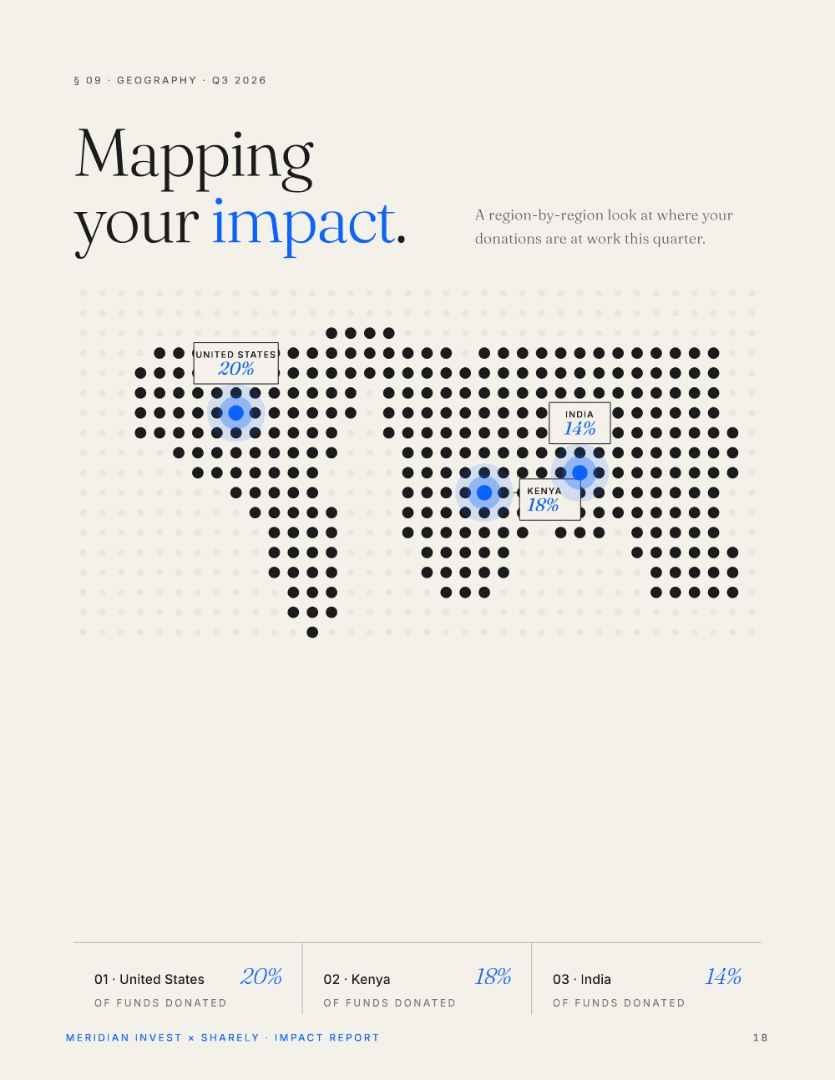
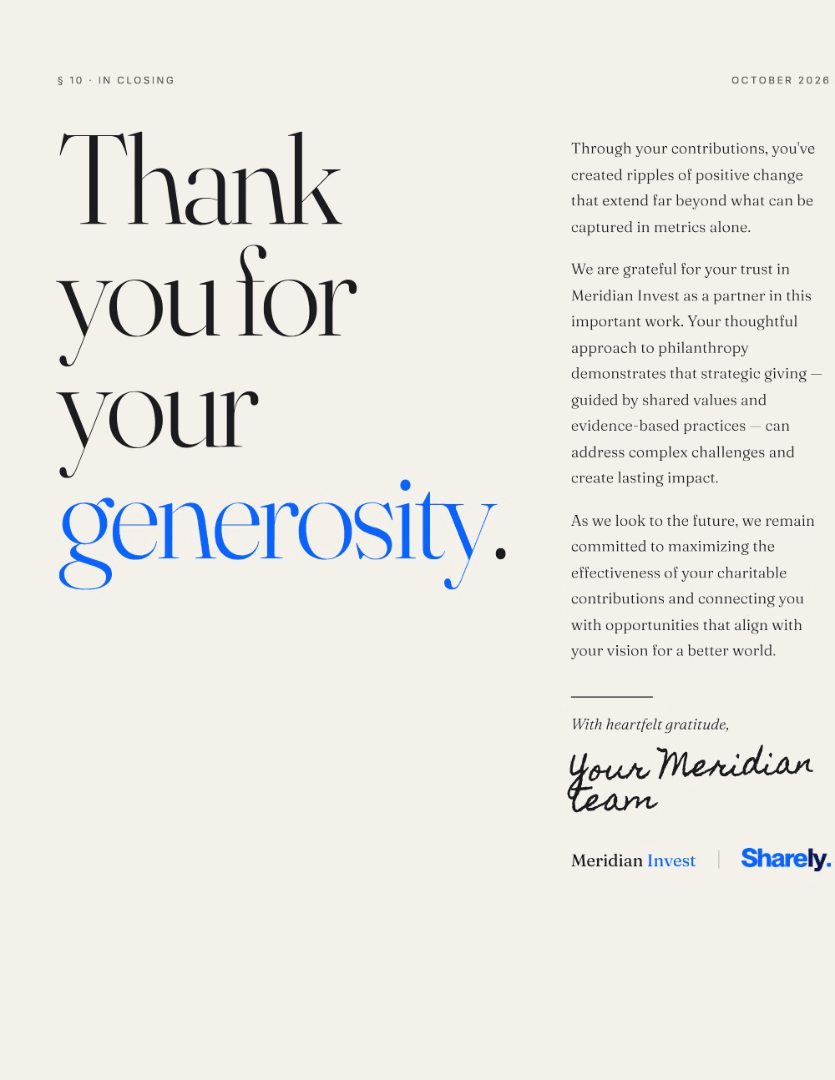
A customized, branded quarterly impact report that deepens the client relationship: what their giving funded, what it changed, and the estimated tax effect. Delivered to the client's inbox, with the advisor's name and the firm's name on the cover.

It gives you a reason to call that is not about performance.

See impact reporting →
Impact report, page 1 Impact report, a note from your advisor Impact report, page 2 Impact report, page 3 Impact report, page 4 Impact report, page 5 Impact report, page 6 Impact report, page 7 Impact report, page 8 Impact report, page 9 Impact report, page 10 Impact report, page 11 Impact report, page 12 Impact report, page 13 Impact report, page 14 Impact report, page 15 Impact report, page 16 Impact report, page 17 Impact report, page 18 Impact report, page 19 Impact report, page 20
Scroll through the impact report
Impact modeling

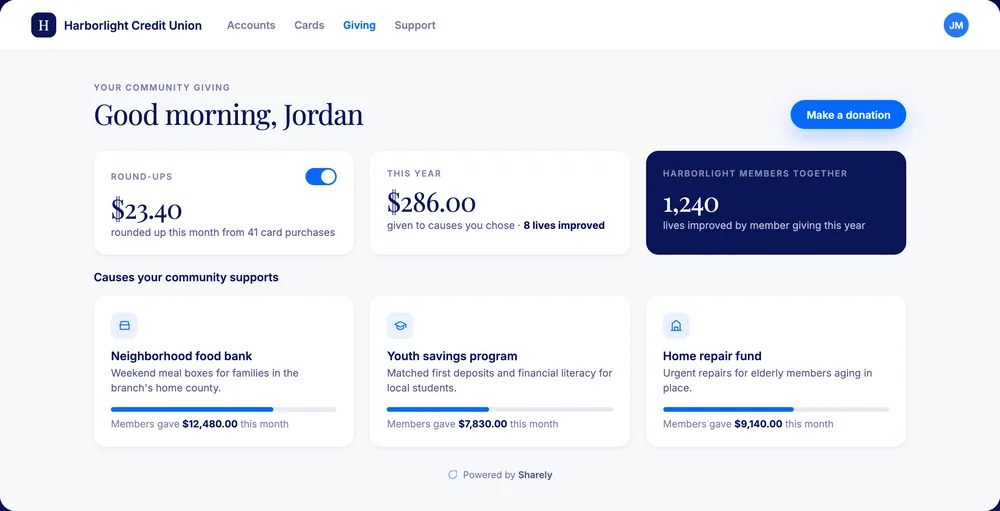
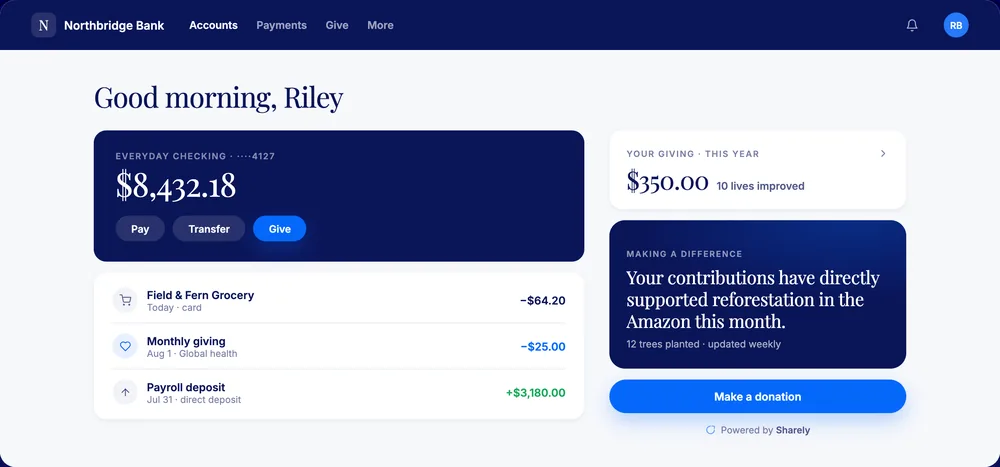
Every dollar gifted, explained.

For each nonprofit we quantify the projected cost per outcome: meals served, children treated, tonnes of CO₂ avoided. Different metrics per domain, one question throughout: what does a dollar change here?

These are projections, not ratings. The client sees them next to the estimated tax saving, before signing the Letter of Authorization.

How we model impact, and how we choose nonprofits →
Tax and impact summary

Estimated tax effect and projected impact, side by side

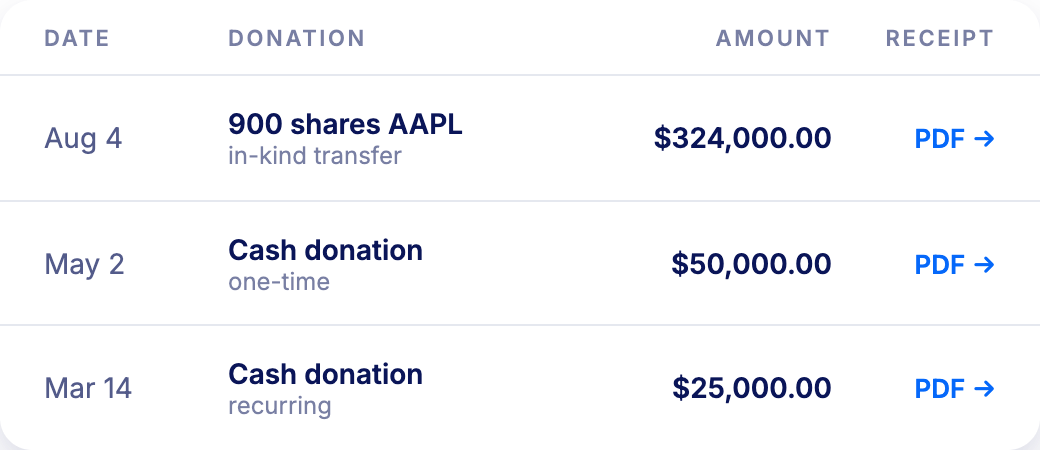
Receipts per gift, PDF at settlement
Annual summary 2026PDF · Form 8283 packet included
Year-end, handled

One summary for the client, one packet for the accountant.

Every gift substantiated at settlement. In January, download the consolidated donation summary and the Form 8283 packet. No chasing receipts across custodians.

One client, one gift

How a gift goes with Sharely.

A client in her thirties wants to give this year. Instead of opening a separate account and doing the admin, this is what happens.

Client Advisor
{{ st.n }}
{{ st.who }}

{{ st.title }}

{{ st.body }}

No new account. No paperwork for the client. And the next conversation starts with what her gift accomplished.

FAQ

Common questions.

Commercial
Which of my clients is this for, and which is it not for?

Sharely is for clients who hold publicly traded securities that have grown in value in a taxable account and who are interested in charitable giving. It’s not the right fit yet for clients with retirement accounts or those who want to donate private stock or property.

Can we use it under our own brand?

Yes. We offer co-branded and fully white-labeled versions.

Operational
Does it work with our custodian?

Yes. Sharely orchestrates; your custodian keeps custody and executes the transfers exactly as it does today. Access is entitlement-based under your firm's existing authorization model, so nothing about your custody or permission structure changes.

What does my client actually see?

Before approving: the estimated tax benefit, the capital-gains detail, and the projected impact of the gift, in dollars and in outcomes. After settling: the receipt, the acknowledgment letter, and each quarter a personal impact report.

How do you choose the nonprofits?

We work with leading researchers and look at cost per result: what a dollar concretely changes. We look for smaller nonprofits with high impact per dollar, not only the big names. Impact covers the method and the transparency behind it.

Book a 30-minute walkthrough before year-end giving season.

Book a walkthrough
{{ lightboxImage }} {{ lightboxAlt }}
Source

{{ citeClaim }}

{{ citeOrg }}

{{ citeDate }}

{{ citeCaveat }}